
The 10-minute website audit every small business owner should do monthly
Your website doesn’t need a full redesign every year. But it does need regular attention.
Most small business websites don’t suddenly stop working - they slowly become less effective over time. Links break, content becomes outdated, pages slow down, and opportunities get missed. The good news? You don’t need hours to fix it.
This is a simple 10-minute monthly audit to keep your website working as it should - bringing in enquiries, not quietly losing them.
1. Check your homepage messaging still makes sense
Your homepage should clearly explain what you do, who you help, and why it matters - within seconds. If a potential customer doesn’t know what you do in five ticks, they press the back button and go to your competitor.
If your business has evolved (new services, new focus, new audience), your messaging needs to reflect that. Even small misalignments can confuse visitors and reduce conversions.
Learn more:
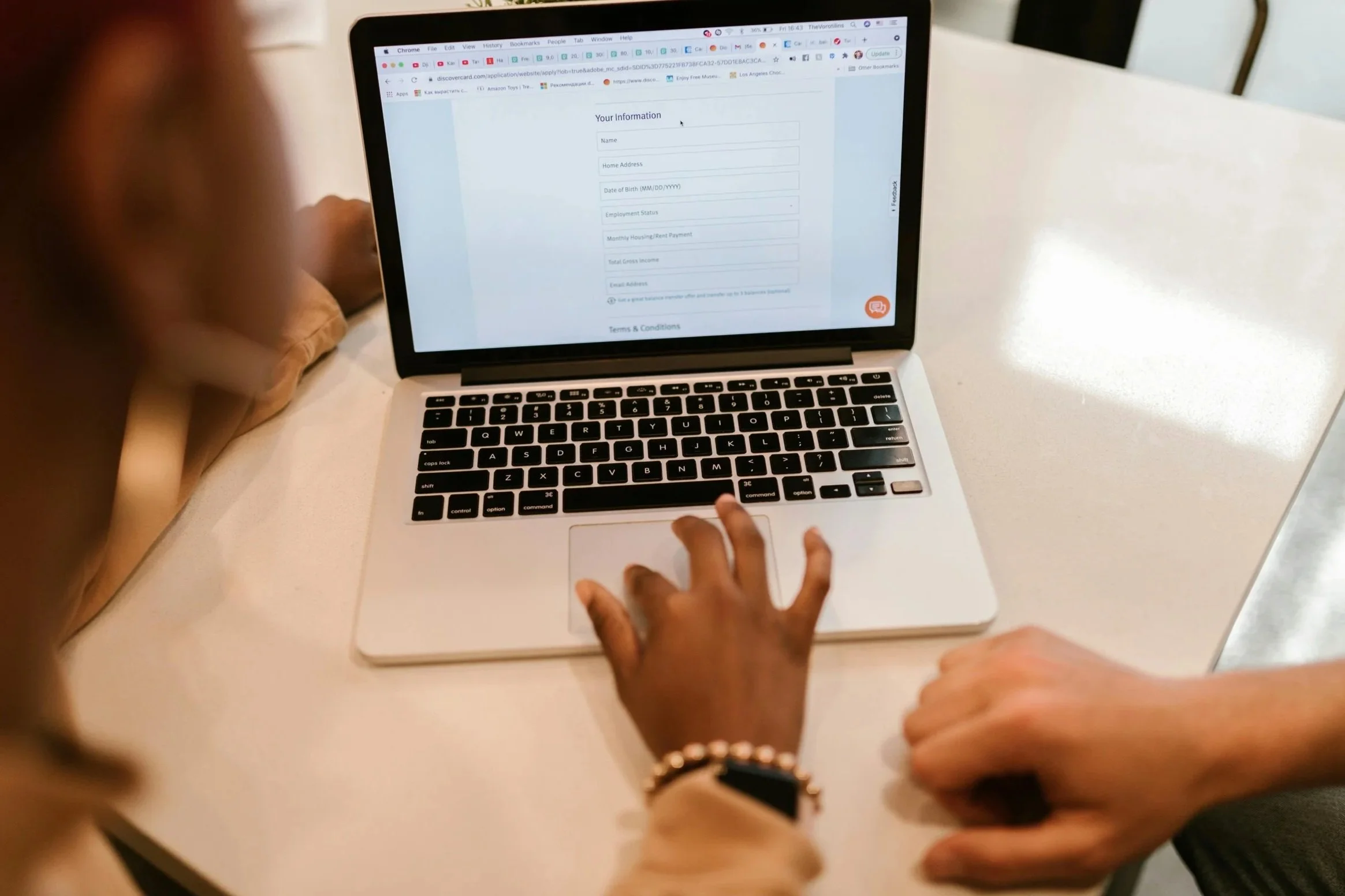
2. Test your contact form (properly)
One of the most overlooked issues is one of the most damaging.
Fill in your own contact form and make sure:
It submits successfully
You receive any automated email you may set up
The message is clear and readable
If your form isn’t working, you could be missing enquiries without even knowing it.
While you are at it, any phone numbers you have on the page, give them a few spot checks. I can’t even begin to tell you the times I have had a phone ring out on me or continually go to voice mail and I go to a different company – often paying a premium too.
3. Check your main call-to-action is obvious
Look at your homepage and key pages with fresh eyes. Is it immediately clear what someone should do next?
Whether it’s “Get a quote”, “Book a call” or “Visit us”, your CTA should be easy to find and repeated where it makes sense. If users have to think about what to do next, many simply won’t act.
Learn more:
4. Review your top pages for outdated content
Outdated information quietly damages trust.
Check for:
Old pricing
Expired offers
Out-of-date services
Irrelevant references
Content which mentions dates which have passed
Keeping content fresh shows your business is active and reliable, which helps build confidence.
5. Make sure your website still loads quickly
Speed has a direct impact on user experience and conversions.
Test your homepage using Google PageSpeed Insights and look for any obvious issues. Large images, unnecessary scripts, or too many plugins can all slow your site down.
Learn more:
6. Check your website on mobile
Most visitors will be using their phone, not a desktop.
Quickly scan your site on mobile and look for:
Text that’s hard to read
Buttons that are difficult to tap
Layout issues or clutter
Google uses mobile-first indexing, meaning your mobile experience directly impacts visibility and usability.
Learn more:
Mobile-first websites: Ten tips to optimise your site for phones
Mobile site and mobile-first indexing best practices (Google Devs)
7. Look for broken links
Broken links create friction and reduce trust.
Click through your main pages and check:
Navigation links
Buttons
Internal blog links
Any external links (important – companies can change links and not redirect them)
Even one or two broken links can make your site feel neglected.
Learn more:

8. Check your images are still relevant and optimised
Images should support your message, not slow your site down or feel outdated.
Ask:
Do they still reflect your business?
Are they good quality?
Are they sized correctly?
Do they all have alt text assigned to them?
Large or irrelevant images can negatively impact both speed and perception.
9. Review your latest blog or content
Your blog is often one of the first places people land from search or social.
Check:
Is your latest post still relevant?
Are links working on all pages?
Does it guide users to your services?
Are there blogs you have previously published and can repurpose?
A blog should not just inform - it should also lead visitors toward action. There is absolutely no point in having a blog if there’s no call to action there.
Learn more:
10. Ask yourself: would I trust this website?
This is the simplest and the most powerful check.
Look at your site as if you’re a new visitor and ask:
Does this feel professional?
Is it clear what the business offers?
Would I feel confident contacting them?
Can I navigate the site easily?
Are the contact calls to action clear?
If anything feels unclear, outdated or difficult, it’s likely affecting your conversions.
Learn more:

Final thoughts
A website audit isn’t about perfection. It’s about removing the small bits of friction that build up over time and quietly reduce performance.
Most of these checks take seconds, but together they can make a big difference to how your website performs. To get more advice on website updates, get in touch with Kyeeni today.